

player-friendly
UI/UX to minimize
drop-offs & boost
playtime
Get your game’s UI and UX system designed by
Algoryte for instant comprehension and smooth interaction – optimized across platforms, resolutions, and input methods – with accessibility features that welcome all players.
beautiful game, clunky
menus? we'll fix that.
UI/UX design
services
At Algoryte, we solve the invisible problem that ruins otherwise excellent games – interfaces that frustrate rather than facilitate. Understanding the value of professional UI/UX design in game development, from the layout and colors to the typography and icons – we focus on getting out of the player’s way while giving them exactly what they need and exactly when they need it.
We offer end-to-end game UI/UX design, prototyping, and testing services – crafting interfaces aligned with your gameplay priorities and removing unnecessary barriers. Whether you’re building fast-paced multiplayer matches where milliseconds count, narrative adventures emphasizing immersion, or complex strategy games with layered data visualizations, we design for your specific needs.
We work across mobile, PC, console, and VR platforms, understanding how input methods, screen sizes, viewing distances, and platform-specific tools influence interface requirements. Among companies offering custom game UI development and integration services, we tailor designs using frameworks for building game UI in popular engines like Unity’s UI Toolkit, Unreal’s UMG, or custom solutions – ensuring optimal performance and seamless integration.
our UI/UX design
services
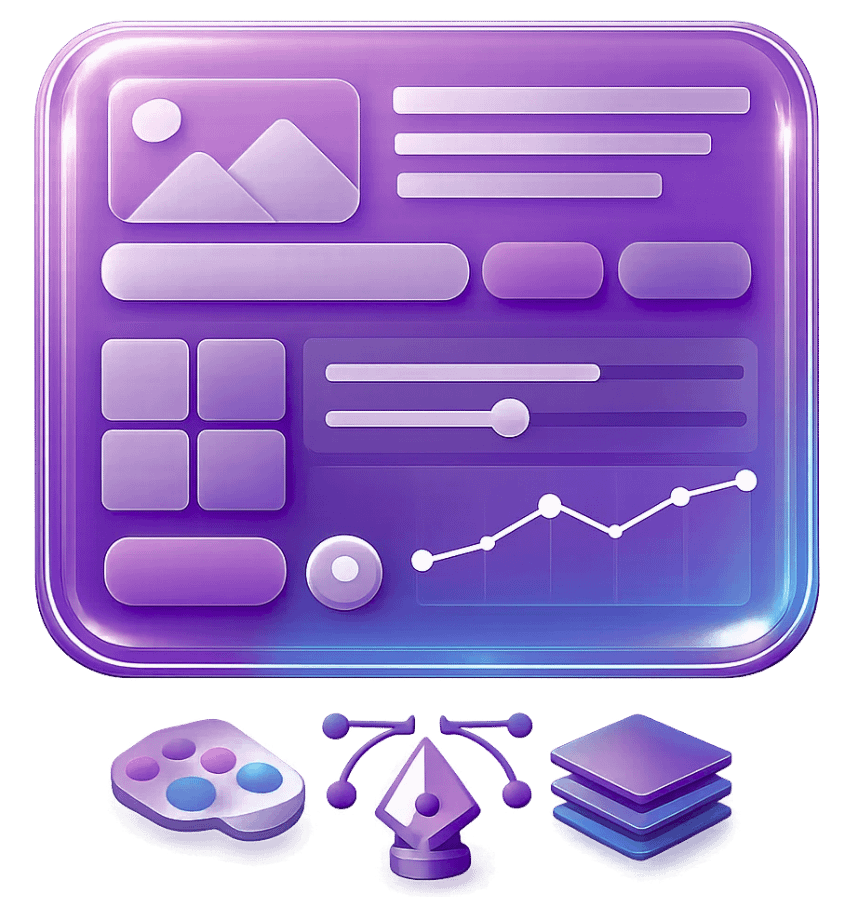
UI design &
visual identity
Your game’s interface is the player’s first interaction with your world – it needs to feel authentic and native to your game’s world without confusing them. Whether futuristic overlays, hand-drawn fantasy parchment, or minimalist modern design, we maintain fundamental principles of contrast, sizing, and spacing to guide players naturally through systems.
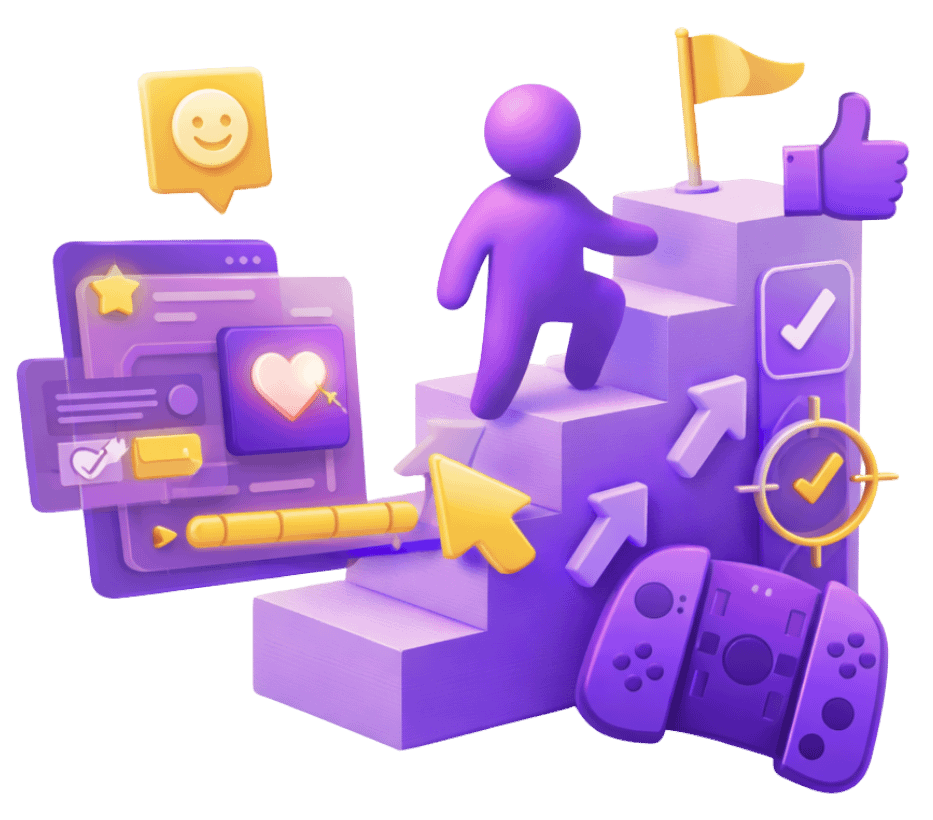
UX design &
player flow
When players understand how to progress, they keep playing – complicated systems make them leave. Our UX designers organize information clearly, build responsive feedback systems, and structure mechanics that teach through gameplay instead of text explanations.
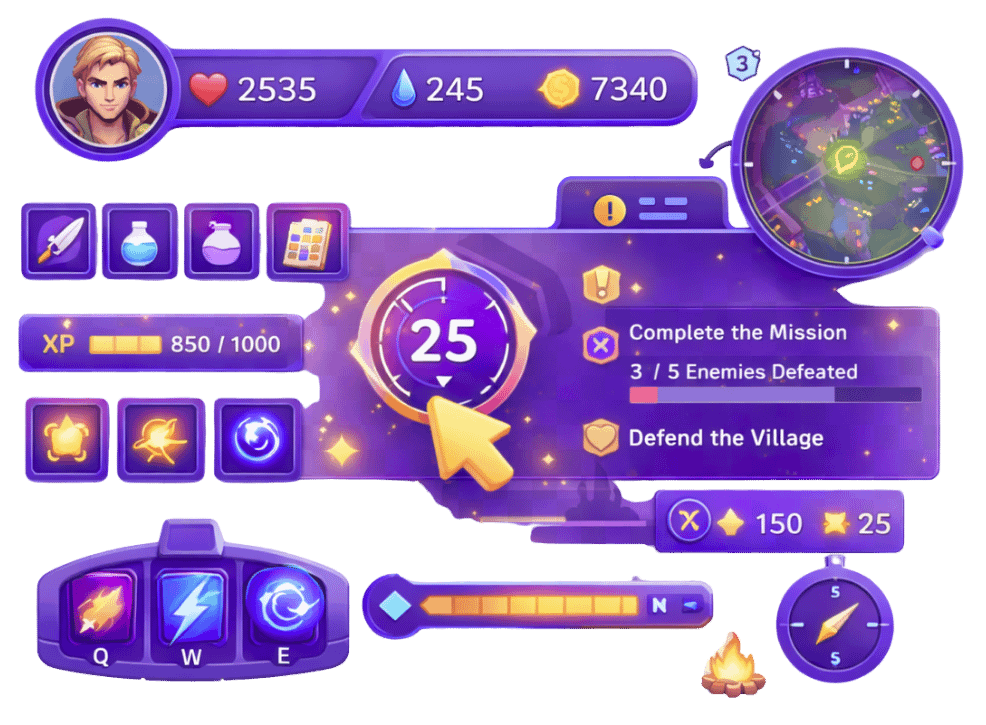
in-game interface
systems (HUD)
Players need critical information instantly without searching the screen
or breaking focus during gameplay. We design HUDs that strike a balance between visual appeal and functional clarity – prioritizing data by urgency and relevance. We place UI where players expect to find it and keep it simple or detailed, depending on what your game needs, i.e., from minimalist survival interfaces to data-rich strategy overlays that require layered information access.
out-of-game experience
& meta systems
Main menus, shops, and account systems shape whether players stay engaged before and after gameplay sessions. Our effective interface designs for in-game purchases and subscriptions create seamless monetization flows without feeling exploitative. We design the complete player experience beyond gameplay – including launchers, social features, settings, and onboarding – creating strong first impressions, streamlining monetization, facilitating community interaction, and tracking player progression.
menu systems
& navigation
Players abandon games with confusing menus; clear navigation keeps them playing and coming back for more. Optimizing UX for in-game menus, we organize information clearly and make interactions intuitive. Our design patterns for complex inventory systems in video games handle sorting, filtering, comparing, and managing hundreds of items without overwhelming players. We also apply effective design strategies for in-game map interfaces that balance information density with readability – whether simple linear progression or complex nested systems.
universal icon
design
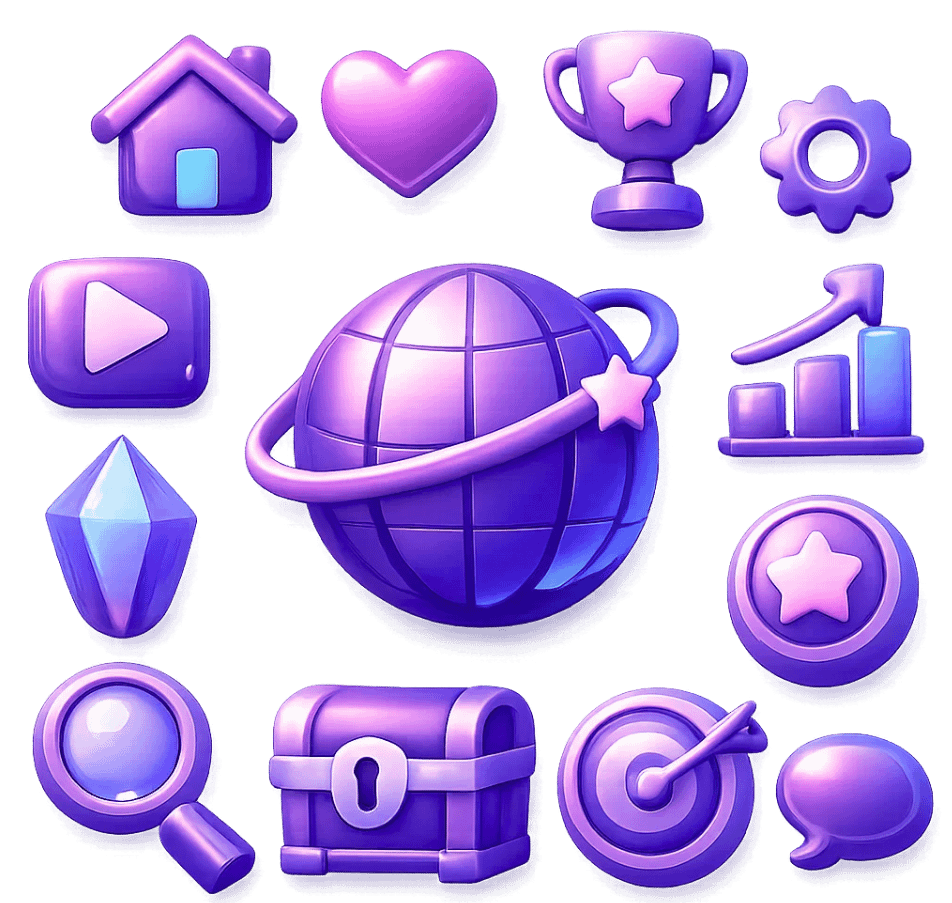
Our best practice is to use instantly recognizable icons to communicate complex actions and items across language barriers with minimal mental effort. We design icon systems that maintain consistent style, scale appropriately to each screen size, and stay visually cohesive across hundreds of assets – so players can understand information at a glance without searching for meaning.
UI animation &
interactive feedback
To make interfaces feel trustworthy and satisfying, every player’s action is confirmed through responsive visual and motion feedback. Following best practices for integrating sound design with interactive game elements, our animation work includes button state transitions, page choreography, loading indicators, attention-directing motion, celebration moments, and micro-interactions with coordinated audio cues – creating an instant feel while remaining perceptible and polished.

cross-platform UI
adaptation
Interfaces are designed appropriately for each platform’s unique constraints rather than applying superficial scaling. When designing game interfaces optimized for controller input versus mouse and keyboard, we fundamentally rethink navigation patterns and selection methods. We adapt layouts for screen sizes and viewing distances, optimize game interfaces for various screen resolutions and aspect ratios, and maintain brand consistency while respecting platform conventions.
why choose algoryte for
UI/UX design?
player
psychology
We design based on how players naturally think and see – understanding attention under pressure, memory limitations, and how visual layout guides eye movement. Our typography, colors, and compositions work with human thinking patterns instead of fighting them.
thematic
integration
We excel at designing interfaces that feel authentic to your
game world while maintaining clarity – creating sci-fi HUDs with believable technical aesthetics or fantasy UIs with hand-crafted medieval elements that enhance immersion without sacrificing readability when players need critical information under pressure.
genre-specific
patterns
We understand that fighting game priorities differ from puzzle games; looter-shooter inventory requirements don’t match narrative adventures; and mobile free-to-play requires different approaches than premium console – bringing genre-appropriate UX conventions and UI aesthetics that respect player expectations while differentiating your game’s visual identity.
accessibility
-first design
Following best practices for creating accessible UI designs, we build accessibility into core design rather than treating it as optional – considering colorblind-friendly palettes, scalable text systems, remappable controls, customizable contrast options, and screen reader compatibility from project start – expanding your potential audience while improving experience for all players through inclusive visual and interaction design.
rapid
prototyping,
testing &
iteration
Offering specialized services for user testing game menu flows and feedback systems, we validate both UX structure and UI aesthetics through interactive prototypes and player testing before committing to full production – identifying confusion points, measuring completion times, evaluating visual reactions, and observing actual behavior rather than assumptions – iterating based on evidence rather than opinion.
modular
design
systems
We create modular UI systems with reusable components – buttons, panels, lists, and interaction patterns – that look consistent and behave predictably across your entire game. This lets your team quickly build new features without rebuilding basic elements, breaking visual consistency, or creating confusing navigation as the game grows.
cross-
functional
collaboration
Our designers consistently communicate with game designers about system complexity and player flow, with engineers about technical feasibility and implementation constraints, with artists about visual integration and brand consistency, and with producers about scope management – functioning as a bridge between disciplines rather than an isolated design silo.
stop losing players to
confusing buttons &
cluttered HUDs.
our UI/UX design
process
player context &
visual direction analysis
We start by understanding who plays your game, how they play it, what they already know from similar games, and what unique challenges your systems present – analyzing both behavioral patterns and visual preferences to establish UX requirements and UI aesthetic direction grounded in actual player needs rather than assumptions.

information architecture
& style exploration
Before detailed design, we map complete information structures – what players need to know, when they need it, and how systems relate – while exploring initial visual directions through style tiles and mood boards. This builds the navigation system, fixes structural issues, and defines the look and feel before moving to final designs.
low-fidelity prototyping
& rapid iteration
We build wireframe prototypes, testing core UX hypotheses
– if players can find features, if interactions make sense, or if information hierarchy works – while iterating on visual approach through quick style variations. This validates or disproves both functional and aesthetic assumptions through testing, without premature commitment to expensive production.

visual design &
interaction refinement
Once UX structure proves sound, we develop a complete
visual identity – creating color systems that support
gameplay while expressing theme, choosing typography that balances personality with legibility, designing iconography that communicates clearly, and establishing motion language that guides attention appropriately
across different game contexts.
interactive prototype
& usability testing
We create functional prototypes approximating final interaction feel and visual presentation – conducting structured usability sessions observing real players while measuring task completion rates, noting confusion points, timing common actions, evaluating aesthetic reactions,
and gathering qualitative feedback that reveals gaps between designer intent and player understanding
across both functional and emotional dimensions.
asset production &
technical specification
We deliver UI assets that developers can implement easily
– organizing files properly, packaging graphics to save memory, documenting how animations move, specifying how layouts adjust for different screens, and providing style guides covering every visual state and interaction – maintaining consistency throughout development.
implementation partnership
& quality assurance
We collaborate closely during integration – reviewing builds against design intent, troubleshooting rendering or layout issues, refining timing and responsiveness, testing across devices and resolutions, and remaining available for questions – ensuring implemented interfaces match approved designs functionally and aesthetically while performing within technical constraints.
FAQs
UI (User Interface) is the visual layer – buttons, menus, icons, and layouts that players see and interact with. UX (User Experience) is the structural layer – navigation logic, information architecture, and interaction flows, determining whether systems feel intuitive. The essential principles for effective game UI design include visual clarity, consistent patterns, appropriate contrast, and responsive feedback – all working within strong UX foundations that organize information logically and guide players naturally through systems.
Companies offering end-to-end game UI/UX consulting, design and development typically follow these stages: discovery and player research to understand context and needs, information architecture mapping system relationships, low-fidelity wireframing to test navigation concepts, visual design establishing aesthetic direction and component libraries, interactive prototyping for usability testing, asset production with technical specifications, and implementation support with quality assurance – iterating based on player feedback throughout rather than following a rigid waterfall approach.
Standard deliverables include wireframes, high-fidelity mockups, interactive prototypes, a complete design system, production-ready assets, technical specifications, and usability testing reports with player feedback. For cross-platform projects focused on optimizing game interfaces for console gaming experiences as well as PC, mobile, and VR, you’ll also receive platform-specific adaptation documentation detailing layout adjustments, input method variations, and performance optimization requirements.
Poor UI/UX creates friction points where players abandon – confused onboarding loses users within the first session, unclear progression systems reduce long-term engagement, and frustrating menus drive negative reviews. Professional UI/UX removes these barriers by making core loops immediately understandable, reducing cognitive load during gameplay, providing clear feedback that builds mastery, and creating satisfying interactions that players want to repeat. The result is measurably higher tutorial completion rates, longer average session times, increased feature adoption, and improved monetization conversion.
Review portfolios for genre-specific experience matching your game type, check shipped titles rather than just concept work, request case studies explaining design decisions and problem-solving approaches, and conduct test assignments on actual design challenges from your project. Benefits of outsourced UI/UX services versus in-house teams include specialized expertise without full-time hiring costs, flexibility to scale, and fresh perspective from designers experienced across genres. When vetting specialists, evaluate their platform knowledge, prototyping capabilities, and communication style.